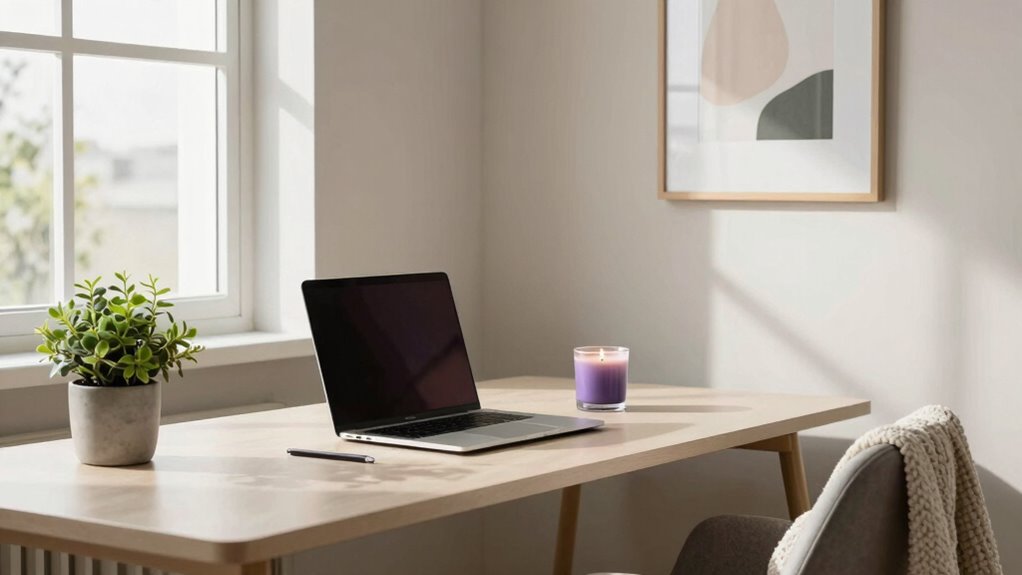

To keep your work-from-home space feeling calm on video calls, create a tidy, clutter-free environment with neutral or soothing colors. Choose a quiet spot with good natural or soft lighting, positioning it to illuminate your face clearly. Use noise-canceling headphones or calming background sounds to block distractions. Adding a personal touch like a plant or artwork can make the space inviting. Maintaining these elements helps you stay focused and relaxed throughout your calls—stay with us to learn more tips.

Get furniture and decor delivered free — and shop member deals
- Fast, free delivery on millions of items
- Access to Prime Big Deal Days deals on October 6–7
- Prime Video, Amazon Music and more included
Key Takeaways
- Maintain a tidy, uncluttered workspace with calming colors to promote focus and tranquility.
- Use noise-canceling headphones and choose a quiet area to minimize background distractions.
- Ensure soft, warm lighting in front of you to enhance visual comfort and reduce glare.
- Incorporate soothing sounds like white noise or gentle music to create a serene environment.
- Add personal yet simple touches, such as plants or artwork, to make your space inviting and calming.
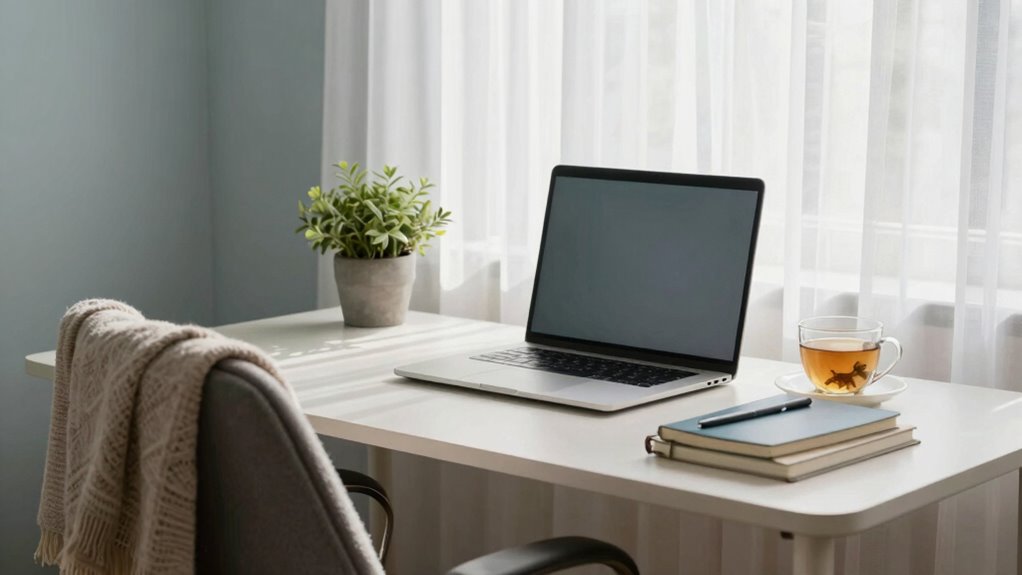
Have you ever noticed how your surroundings can influence your mood during a video call? The way your space is set up, the office decor, and even the background noise can all impact how you feel and how others perceive you. When your environment feels calm and organized, it’s easier to stay focused and project a professional yet relaxed vibe. On the other hand, cluttered or distracting backgrounds can make you feel anxious or unfocused, which shows through your video presence.
Pay attention to your office decor. Keep your workspace simple and uncluttered, with neutral or soothing colors that promote calmness. A tidy desk with minimal distractions helps you stay centered and makes your background look intentional rather than chaotic. Adding a few personal touches, like a small plant or a piece of artwork, can make the space feel more inviting without overwhelming it. Remember, your office decor sets the tone of your environment, so choose elements that encourage tranquility and professionalism.
A tidy, simple workspace with calming colors and personal touches fosters tranquility and professionalism on video calls.
Background noise is another factor that can break your concentration during calls. External sounds like street noise, household chatter, or pets can be disruptive and make it hard to focus. To create a calm atmosphere, try to choose a quiet corner of your home or use noise-canceling headphones. If noise is unavoidable, consider playing soft instrumental music or white noise in the background. These sounds can mask distracting noises and help you maintain a peaceful mental state. Additionally, informing your household members about your video calls can help minimize interruptions, making it easier for you to stay present and composed. Incorporating sound masking techniques can further enhance your environment’s tranquility and help create a more calm mental space.
Lighting also plays a crucial role in making your space feel calm. Natural light is ideal because it’s gentle and uplifting, but if that’s not possible, opt for soft, warm artificial lighting**. Avoid harsh fluorescents or overly bright bulbs that can create tension or glare. Position your light source in front of you rather than behind, ensuring your face is well-lit and clear on camera. This not only improves your appearance but also contributes to a relaxed vibe, reducing any feelings of unease. Incorporating appropriate lighting techniques** can further enhance your environment’s tranquility.
noise-canceling headphones for work
As an affiliate, we earn on qualifying purchases.
As an affiliate, we earn on qualifying purchases.
Frequently Asked Questions
How Can I Reduce Background Noise During Video Calls?
You can reduce background noise during video calls by using noise canceling headphones, which block out distracting sounds and help you focus. Additionally, enable audio enhancements in your conferencing app to filter out ambient noise. Position your microphone close to your mouth for clearer sound, and consider using a quiet, dedicated workspace. These steps will improve your audio quality and keep your calls professional and calm.
What Lighting Options Improve Video Call Appearance?
Imagine transforming your video calls instantly—natural light is your secret weapon, illuminating your face evenly and creating a warm, inviting glow. Combine it with a ring light for even better results, eliminating shadows and making you look professional. Don’t rely solely on overhead lights; instead, position yourself near a window during daytime. These lighting options not only improve your appearance but also boost your confidence on every call.
How Do I Prevent My Pets From Interrupting Calls?
To prevent your pets from interrupting calls, address their behavior and minimize animal distractions. Keep them engaged with toys or a designated area before your call begins. Use a closed door or baby gate to limit their access to your workspace. Consider giving them a treat or a calming item to keep them content. Consistently establishing these boundaries helps your pets understand when to stay quiet and focused.
What Are the Best Ways to Minimize Technical Issues?
To minimize technical issues, start by testing your equipment and internet connection before calls. Use virtual background ideas that are simple and distraction-free, reducing glitches. Follow dress code tips to appear professional and boost confidence. Keep your software updated and close unnecessary apps to improve performance. Having a dedicated, clutter-free workspace also helps guarantee your video calls run smoothly, making your environment feel calm and professional.
How Can I Manage Distractions During Work-From-Home Calls?
To manage distractions during work-from-home calls, prioritize your time management by scheduling calls when you’re least likely to be interrupted. Use focus techniques like closing unnecessary tabs and silencing notifications to stay engaged. Let others in your household know when you’re on important calls, and set boundaries. Keeping a dedicated work area also helps minimize distractions, allowing you to concentrate and participate effectively without losing focus.
Conclusion
Creating a calm work-from-home space is like tending a peaceful garden amid a busy city. When your environment feels serene, your mind can breathe and focus more easily on each call. Keep clutter at bay, choose soothing colors, and set boundaries to protect your space. With these simple steps, your home office becomes a tranquil oasis—a place where clarity blooms and stress quietly fades into the background, making every video call a moment of calm amidst the chaos.
Halloween Picks
halloween
As an affiliate, we earn on qualifying purchases.