TL;DR

Get furniture and decor delivered free — and shop member deals
- Fast, free delivery on millions of items
- Access to Prime Big Deal Days deals on October 6–7
- Prime Video, Amazon Music and more included
This article shows how you can produce a complete set of publishing assets from one video using local tools. It cuts manual work, speeds up publishing, and keeps everything on your machine, not the cloud.
Imagine turning a raw video into a full-blown publishing kit, ready for every platform — all without uploading to the cloud. It’s a game-changer for creators who want control, speed, and privacy. No more waiting for uploads, no cloud subscriptions, just a seamless, local process that does it all.
In this guide, I’ll show you how a single piece of content can spawn dozens of assets — from catchy titles and social posts to clips and blog drafts. Plus, you’ll see how this workflow can keep everything on your machine, avoiding the pitfalls of cloud dependence. Ready to reclaim your publishing power?
Key Takeaways
- A local-first, AI-powered workflow can turn one video into a complete publishing kit, saving hours of manual work.
- Automation covers titles, descriptions, clips, thumbnails, and social posts, but you remain in control with review and edits.
- You gain full control over your data, avoid cloud costs, and work offline, even with large or sensitive files.
- Comparison tables help you weigh local vs. cloud workflows — choose what suits your needs best.
- Start by selecting the right tools, investing in hardware, and organizing your content for a smooth setup.
As an affiliate, we earn on qualifying purchases.
What does ‘One Video In, a Whole Publishing Kit Out’ really mean?
At its core, this phrase describes a workflow where a single video file becomes a complete set of ready-to-publish assets. Think of it as feeding a raw ingredient into a kitchen machine that slices, dices, seasons, and plates it all in one go. You get social snippets, thumbnails, titles, descriptions, blog drafts, and even multiple format versions.
For example, a 10-minute interview recorded on your camera can produce a YouTube-ready video, TikTok clips, Instagram reels, blog summaries, and email snippets. All from one initial upload, all packaged neatly for each platform. This isn’t just automation — it’s a complete, multi-channel publishing factory.
Why does this matter? Because manually creating each asset for different platforms is time-consuming and error-prone. Automating this process frees you to focus on content quality and creativity, while ensuring consistency across your channels. The tradeoff is that initial setup and configuration require some effort, but the long-term gains in efficiency and control are substantial, especially when managing multiple projects regularly.
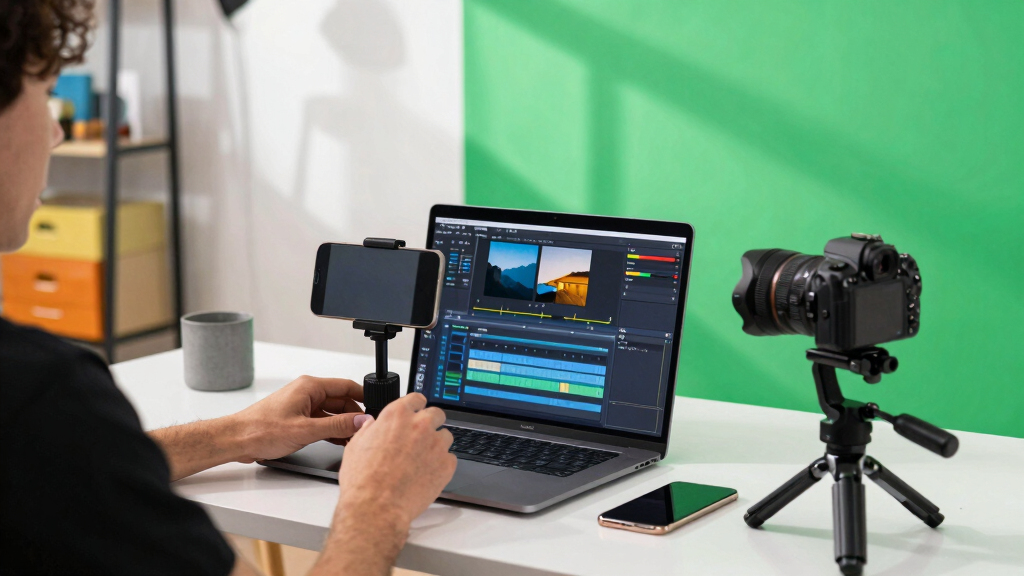
How does local-first, AI-powered workflow cut your publishing time in half?
Local workflows like ChannelHelm process everything on your machine — no cloud, no waiting for uploads. You can learn more about local processing tools. It transcribes, analyzes visuals, fuses data, and drafts assets in real-time. For instance, you can drop a 20-minute video, and within minutes, see a list of optimized titles, description snippets, and social clips ready for review.
Imagine editing a title while the system generates thumbnail concepts in the background. You see progress indicators showing which assets are ready, so you don’t waste time waiting. This approach turns the hours of post-production into a matter of minutes, giving you more time to focus on content and creativity.
Why is this speed important? Because in today’s fast-paced content environment, the ability to produce high-quality assets quickly means staying ahead of the competition and responding swiftly to trends. Check out energy and efficiency tips for content creators. Moreover, reducing reliance on cloud services minimizes delays caused by slow internet connections or server bottlenecks. The tradeoff is that local processing demands powerful hardware and may require more initial setup, but it offers unmatched speed and control.
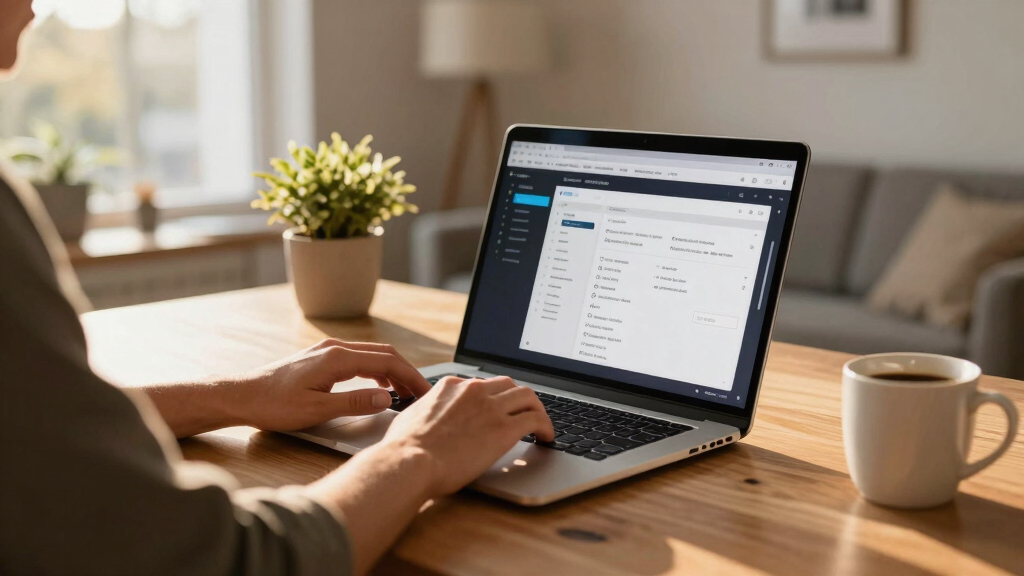
What parts of the publishing process are automated, and what’s left for you?
Automation in this workflow covers everything from generating titles, descriptions, and tags to creating clips, thumbnails, and social posts. For example, from one video, you get a set of title options scored against character limits, social snippets tuned to each platform’s style, and thumbnail concepts based on key moments.
But automation isn’t about replacing your judgment; it’s about amplifying your efficiency. You still review, tweak, and approve each asset. This hybrid approach allows you to maintain your creative voice and ensures quality control. The tradeoff here is balancing trust in automation with your personal touch—automation handles repetitive tasks, freeing you to focus on refining your content and strategy, which ultimately results in a more polished final product.

Comparison: Cloud vs. Local Publishing — Which suits your workflow?
| Feature | Cloud-Based Workflow | Local-First Workflow |
|---|---|---|
| Setup time | Quick, requires internet and account setup | Initial setup on your machine, more upfront work |
| Speed | Dependent on upload/download speeds | Fast, processing on your hardware |
| Control over data | Dependent on provider’s privacy policies | Full control, everything stays on your machine |
| Offline access | Limited or no, requires internet | Full offline operation possible |
| Scalability | High, cloud handles load | Limited by hardware, but customizable |
Choosing between these approaches depends on your priorities. Cloud workflows offer quick setup and easy scalability but at the cost of less control and potential privacy concerns. In contrast, local-first workflows demand initial effort but grant you complete control over your assets and data, making them ideal for creators with privacy needs or those working in environments with unreliable internet. The tradeoff is that local workflows require more technical know-how and hardware investment but pay off in speed, privacy, and independence.
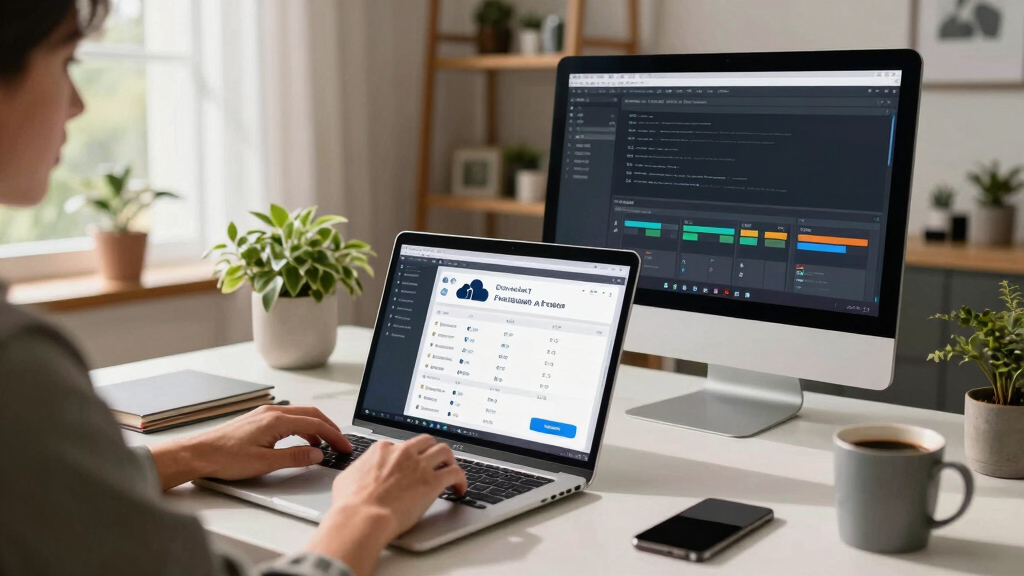
How to set up your own local publishing kit from start to finish
- Choose your tools: Look into options like ChannelHelm, which offers local, AI-driven media processing. ChannelHelm is developed privately and is not publicly available. Evaluate whether these tools can handle your typical content types and volume, and consider their customization options to fit your workflow.
- Prepare your source video: Ensure it’s high quality and properly organized. Well-structured source files simplify automation and reduce errors, which speeds up processing and improves asset quality.
- Configure your system: Install necessary software, set preferences, and connect your preferred output destinations. Proper configuration ensures smooth automation and reduces troubleshooting later, ultimately saving time. For more tips, visit The DIY Greenhouse.
- Drop your video into the system: Watch it analyze audio, visuals, and generate drafts automatically. This step embodies the core advantage — turning raw footage into ready-to-use assets in minutes.
- Review assets: Tweak titles, descriptions, clips, and thumbnails directly in your local interface. Your ability to review and modify ensures the final output aligns with your vision and brand voice.
- Publish: Send everything directly to your platforms, keeping full control without relying on the cloud. This step completes the cycle, empowering you to manage your content lifecycle entirely offline.
What are the real benefits of avoiding the cloud?
Keeping everything on your machine means more privacy, fewer worries about data breaches, and no dependency on internet speed. It’s like having your own publishing workshop, not a rented studio. For example, you can process sensitive content or publish in remote areas without Wi-Fi.
Plus, you save on cloud storage costs and avoid vendor lock-in. Your workflow becomes predictable, fast, and tailored to your needs — no surprises, no outages. This independence allows you to adapt quickly, implement custom workflows, and maintain control over your content lifecycle, which is especially valuable for creators working with confidential or proprietary material.
What’s the biggest tradeoff of going offline?
While local-first workflows offer control, they demand more setup and hardware investment. You’ll need a capable machine and some technical know-how. For example, processing a 4K video with AI tools locally might require a decent GPU and storage space.
And updates or new features depend on your manual effort or software updates — no automatic patches from cloud services. This means you need to stay proactive with maintenance, which can be a hurdle for less technical users. The tradeoff is between independence and convenience: you gain full control and privacy but at the cost of increased complexity and responsibility. For creators who value security and customization, this tradeoff is often worth it, but it’s important to recognize the extra effort involved.

Key steps to implement your offline publishing workflow today
- Research and select local tools that fit your needs — check out ChannelHelm for a comprehensive option. Consider compatibility, ease of use, and community support to ensure a smooth setup process.
- Invest in reliable hardware: fast CPU, ample storage, and a good GPU if needed. This investment pays off in processing speed and reliability, reducing frustration and delays during your workflow.
- Organize your content and metadata for smooth processing. Well-organized files and clear metadata help automation run efficiently and reduce errors, saving you time during setup and ongoing projects.
- Set up your system with automation scripts and templates. Custom scripts can streamline repetitive tasks, and templates ensure consistency across assets, making scaling your workflow easier.
- Begin testing with small projects, then scale up as you gain confidence. Iterative testing helps identify bottlenecks and fine-tune your setup for maximum efficiency and reliability.
Frequently Asked Questions
Can I really do everything offline, or are some parts cloud-dependent?
Most core tasks like transcription, visual analysis, and asset generation can run locally with the right tools, such as ChannelHelm. Some cloud services are optional for extra features, but a fully offline workflow is entirely possible.
What hardware do I need for a local publishing setup?
A decent machine with a fast CPU, at least 16GB RAM, and a dedicated GPU (like an NVIDIA RTX series) helps process high-quality videos quickly. Storage should be ample — 1TB or more for large files and assets.
How much time does it take to set up a local workflow?
Initial setup can take a few hours to install software, configure preferences, and organize content. Once set, processing a typical 10-minute video usually takes 10-15 minutes, depending on hardware.
Are there any risks to avoiding the cloud?
Yes — local workflows require more technical knowledge, hardware investment, and manual updates. There’s also a learning curve, but the gains in control and privacy often outweigh these hurdles.
Can this workflow handle multiple platforms and formats at once?
Absolutely. A good local system can produce tailored assets for YouTube, TikTok, Instagram, and more from one source. It streamlines multi-channel publishing without juggling multiple tools.
Conclusion
Taking control of your publishing process isn’t just a dream — it’s achievable with the right tools and mindset. By building a local, automated workflow, you cut out the middleman and keep everything on your machine, from raw video to published assets.
Imagine a world where uploading, editing, and publishing happen in your own workshop — fast, private, and tailored precisely to your style. That’s the power of turning one video into a full publishing kit, without depending on the cloud. Why not take that step today?

Halloween Picks
halloween
As an affiliate, we earn on qualifying purchases.