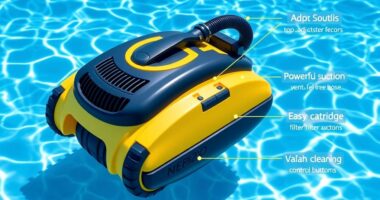
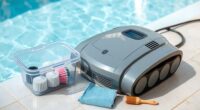
To clean and store your robotic pool cleaner properly, start by removing any debris and rinsing the filter with fresh water after each use. Check for damage, and replace filters as needed every few months. Fully charge the batteries before long storage, store the unit and charger in a cool, dry place away from sunlight, and remove batteries if possible. Maintaining these steps helps your cleaner perform better longer; explore further tips for peak care.

Get furniture and decor delivered free with Prime
- Fast, free delivery on millions of items
- Prime Video, Amazon Music and more included
- Member-only deals all year
Key Takeaways
- Remove and rinse filters thoroughly after each use, replacing them every few months or as needed.
- Clean the entire unit by rinsing off dirt and debris, then dry completely before storage.
- Fully charge the battery before extended storage, and remove batteries if possible to prevent corrosion.
- Store the cleaner and charging station in a cool, shaded, indoor environment, away from sunlight and extreme temperatures.
- Regularly inspect for damage or wear to ensure optimal performance and prolong the device’s lifespan.
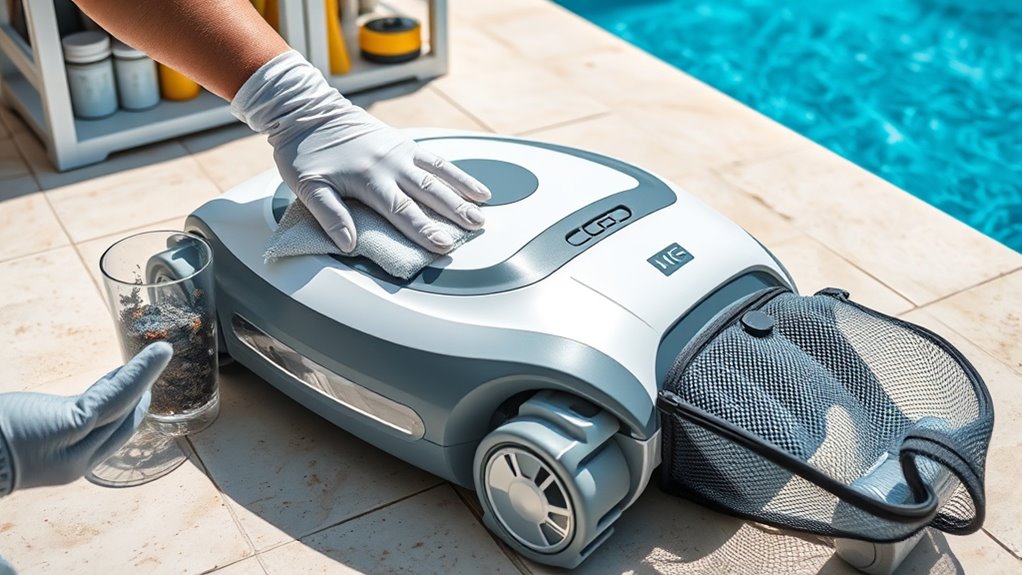
Keeping your robotic pool cleaner in top condition is essential for ensuring it works efficiently when you need it. Regular maintenance not only extends its lifespan but also guarantees a thorough clean every time. To start, focus on battery maintenance. If your cleaner has a rechargeable battery, make sure to fully charge it before storing it for an extended period. Avoid leaving the battery partially charged or completely drained, as both can degrade its capacity over time. After each use, it’s best to remove the battery if possible, especially if you won’t be using the cleaner for a few weeks. Store the battery in a cool, dry place, away from direct sunlight or extreme temperatures, which can harm its performance. If your model doesn’t have removable batteries, simply ensure it’s charged fully before storage and avoid overcharging, which can reduce battery life. Regularly check the battery’s condition for any signs of damage or swelling, and replace it if necessary to prevent leaks or further damage to your cleaner.
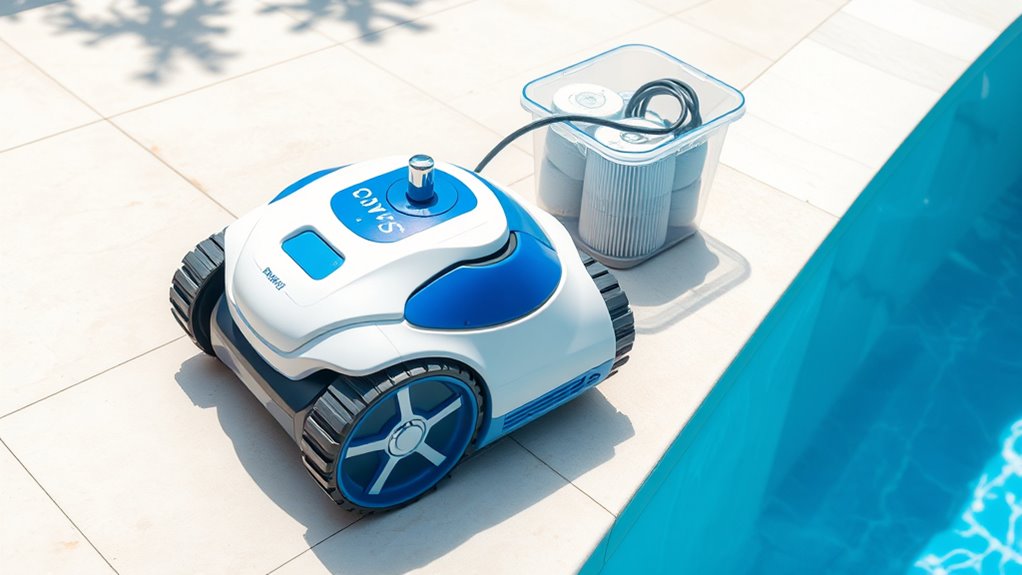
In addition to battery care, paying attention to filter replacement is vital. Your robotic cleaner’s filter traps debris, dirt, and algae, preventing these particles from clogging the system and guaranteeing peak suction. After every cleaning session, remove the filter and rinse it thoroughly with fresh water to clear out accumulated dirt. Depending on how often you use your pool, replace the filter every few months or sooner if it shows signs of excessive wear or damage. A clogged or worn-out filter decreases cleaning efficiency and can strain the robot’s motor, leading to potential mechanical issues. Keep spare filters on hand so you can swap them out quickly when needed. Proper filter maintenance is simple but crucial for maintaining peak performance.
When it’s time to store your robotic pool cleaner, make sure it’s clean and dry. Remove any remaining debris, rinse the entire unit with fresh water to eliminate residual dirt, and let it dry completely before storing. Store the cleaner in a cool, shaded area, ideally indoors, to protect it from the elements. If your model comes with a charging dock or station, keep it in a dry spot as well, and avoid placing it in areas with high humidity or direct sunlight. Periodic inspections for cracks, loose parts, or damage can help catch issues early, saving you money and hassle down the line. Properly maintaining the battery and replacing filters as needed will keep your robotic pool cleaner running smoothly season after season, so you can enjoy a crystal-clear pool with minimal effort.
robotic pool cleaner filter replacement
As an affiliate, we earn on qualifying purchases.
As an affiliate, we earn on qualifying purchases.
Frequently Asked Questions
How Often Should I Replace the Brushes on My Robotic Pool Cleaner?
You should replace the brushes on your robotic pool cleaner as part of your maintenance schedule, typically every six months or sooner if you notice signs of wear. Regular brush replacement guarantees peak cleaning performance and prolongs your device’s lifespan. Keep an eye on the brushes during routine maintenance, and don’t wait too long to replace them when they become frayed or worn down, maintaining efficiency and preventing damage.
Can I Leave My Robotic Pool Cleaner in the Pool During Storms?
Think of your robotic pool cleaner as a brave knight facing storms. During storm safety, it’s best to bring it ashore rather than leaving it in the pool. Storms can damage the cleaner or cause electrical issues. Proper cleaner storage safeguards your investment and ensures longevity. Keep it out of the water during storms, and store it in a dry, safe place until the skies clear, so it’s ready for its next quest.
What’S the Best Way to Troubleshoot Connectivity Issues?
When facing connectivity issues, start with Wi-Fi troubleshooting by checking your router’s connection and ensuring your cleaner is within range. You can enhance the signal by reducing interference from other devices or repositioning your router closer to the pool area. Reset your robotic pool cleaner’s Wi-Fi settings if needed, and consider using a Wi-Fi extender for better signal strength. These steps help keep your device connected smoothly.
Are There Eco-Friendly Cleaning Solutions Compatible With Robotic Cleaners?
Imagine using biodegradable detergents, natural cleaning agents, and eco-friendly solutions to keep your pool sparkling. You can choose natural cleaning agents like vinegar or baking soda, which are safe for your robotic cleaner and the environment. These options work effectively without harmful chemicals, helping you maintain a clean pool while protecting aquatic life. By selecting eco-friendly cleaning solutions, you guarantee your robotic cleaner operates efficiently and sustainably for years to come.
How Do I Reset My Robotic Pool Cleaner to Factory Settings?
To reset your robotic pool cleaner to factory settings, you need to follow the specific steps outlined in your model’s manual, as factory reset procedures vary. Usually, this involves pressing and holding certain buttons for a specified time or powering it off and on again. Performing a factory reset is a key part of robotic cleaner maintenance, helping resolve issues or prepare it for a new pool.
Conclusion
Keeping your robotic pool cleaner clean and well-stored extends its lifespan and guarantees peak performance. Did you know that regular maintenance can increase your cleaner’s efficiency by up to 30%? By following simple cleaning and storage tips, you’ll save money and enjoy a pristine pool all season long. Don’t overlook this small effort—your cleaner will thank you with smoother operation and longer durability. Embark on maintenance today for a cleaner, more enjoyable swimming experience!
Halloween Picks
halloween
As an affiliate, we earn on qualifying purchases.